Lights. Camera. Action.
NowRolling
Look at the lens. The script keeps up.
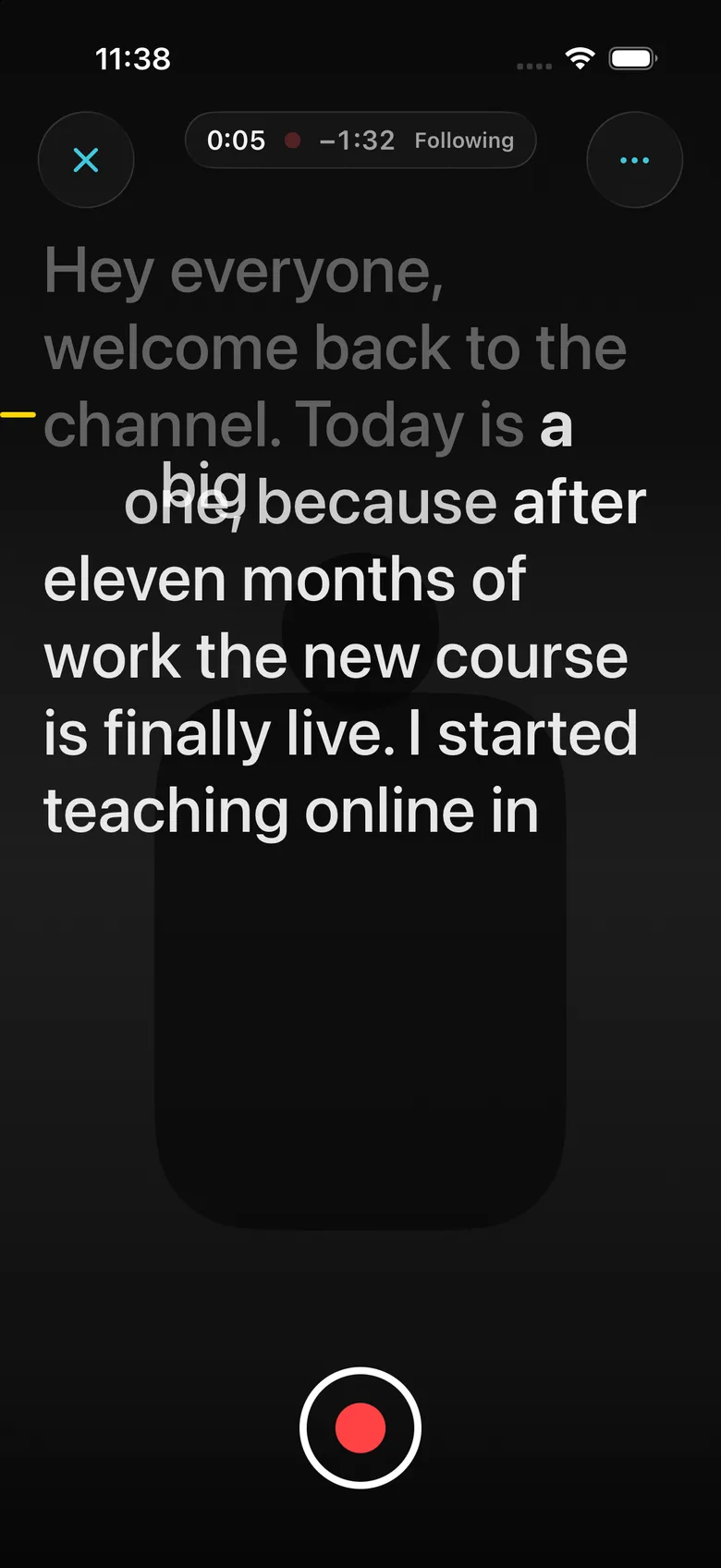
Talk to the camera, not to the script.
NowRolling listens while you speak and moves the script with you. Pause, go off script, come back, and it finds your place. Nobody scrolls, nobody taps.
Follows your voice
Words dim as you say them, so the next line is always clear. Speed up, slow down or ad-lib, and the script stays with you.
Four ways to record
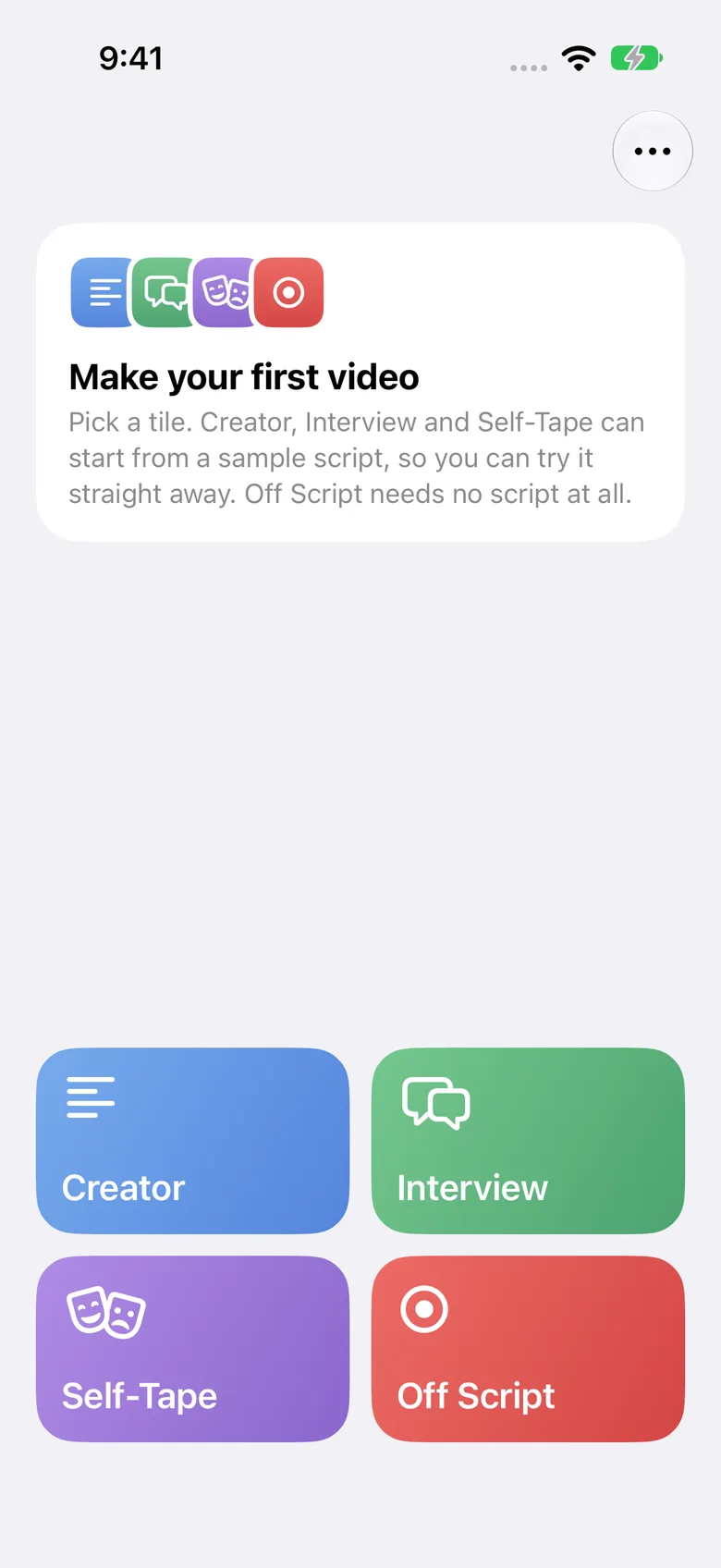
Creator for videos, Interview for question lists, Self-Tape for auditions, and Off Script for talking freely.
Both cameras at once
Record the front and back cameras together, so you and what you're showing are both in the shot.
Finish in the app
Trim a take, let Clean Cut remove the pauses and ums, or re-record one line with Fix a Line. Every edit can be undone.
Control from across the room
Start, stop and move through a take from a second iPhone or iPad on the same Wi-Fi.
Private by design
Speech recognition runs on your device. No account, no ads, no tracking. Your scripts sync through your own iCloud.
A mode for every kind of recording.
Creator
Read a script to camera. It scrolls at your pace.
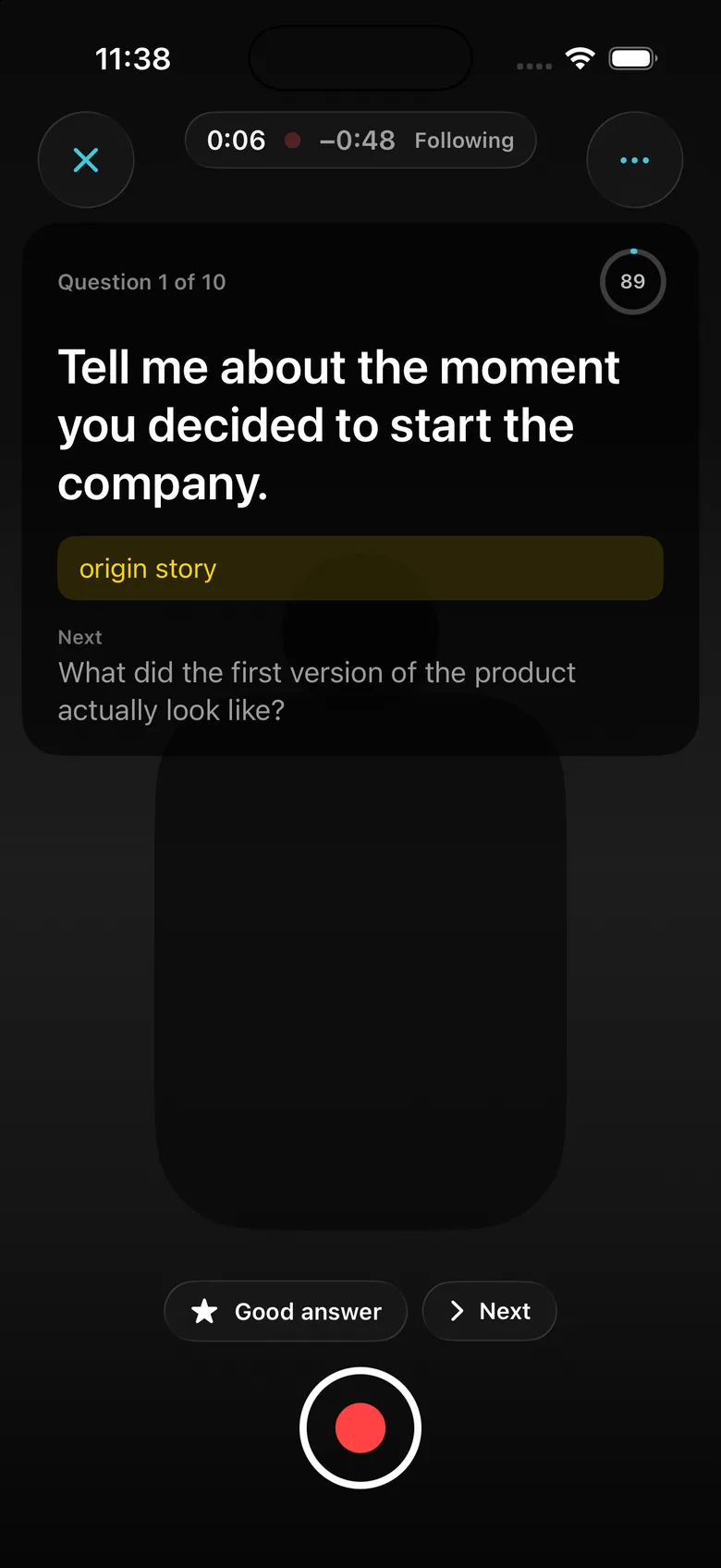
Interview
The next question appears once you've asked this one.
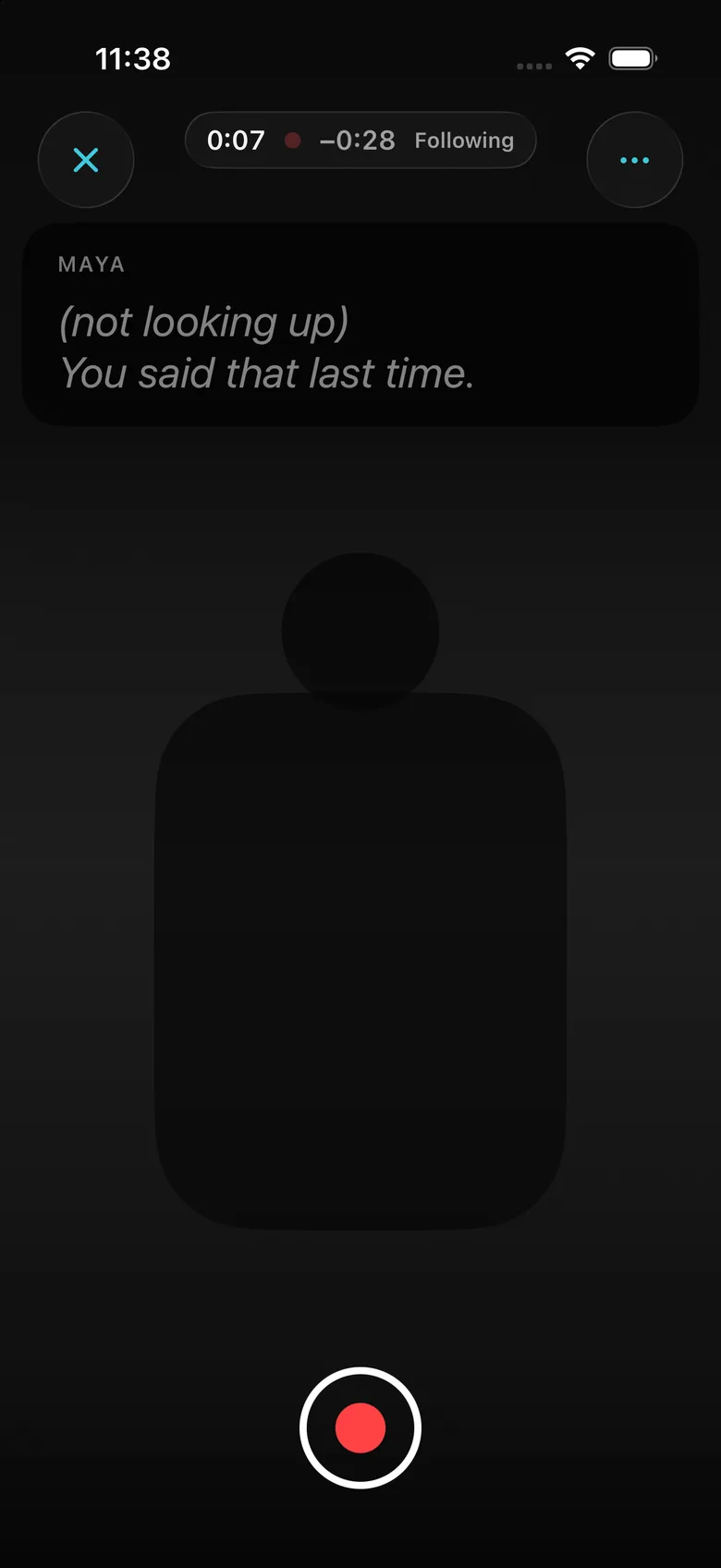
Self-Tape
A reader voice plays the other part as soon as you finish your line.
